
Variant images in the product gallery
Every variant image now shows automatically, with a lighter, faster gallery to match.
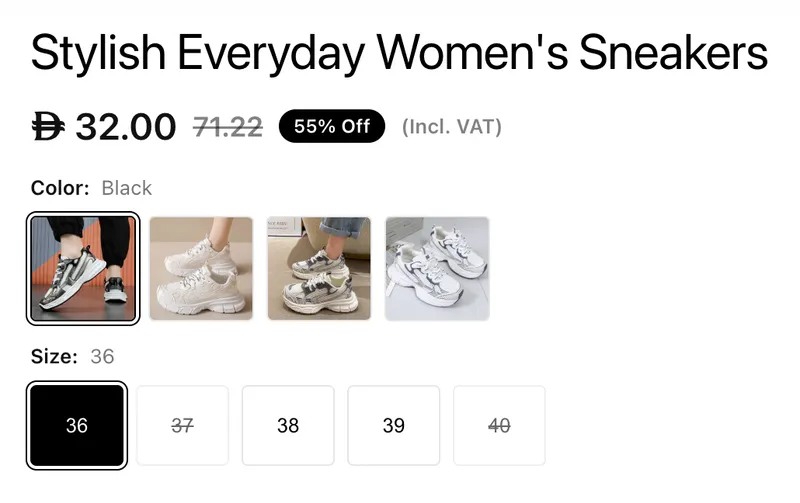
Variant images now show automatically
Variant images that aren't already part of a product's media gallery are now added to it automatically. Selecting a variant switches the main image to that variant, so customers can see exactly what they're choosing without the merchant having to attach every variant image to the product manually. Images already present in the gallery are matched and left as they are, so nothing is duplicated.
The main image still comes first
The product's main image is still what loads first when someone arrives at the page normally — the gallery only opens on a specific variant when the visitor arrives through a link to it, such as from an ad or a shared product link.
Gallery performance
Variant images are excluded from the thumbnail strip, keeping it focused on the images the merchant chose while remaining fully reachable through the variant selector. Background image preloading is now capped, so products with many variants no longer load dozens of images speculatively — remaining images load instantly on demand as customers browse or switch variants. Variant swatch images now load at the size they're displayed at rather than at full resolution, which noticeably reduces page weight on products with many colour or model options.


