New section in MON Studio: Recently Viewed
Shoppers can now pick up right where they left off.
Pick up where they left off
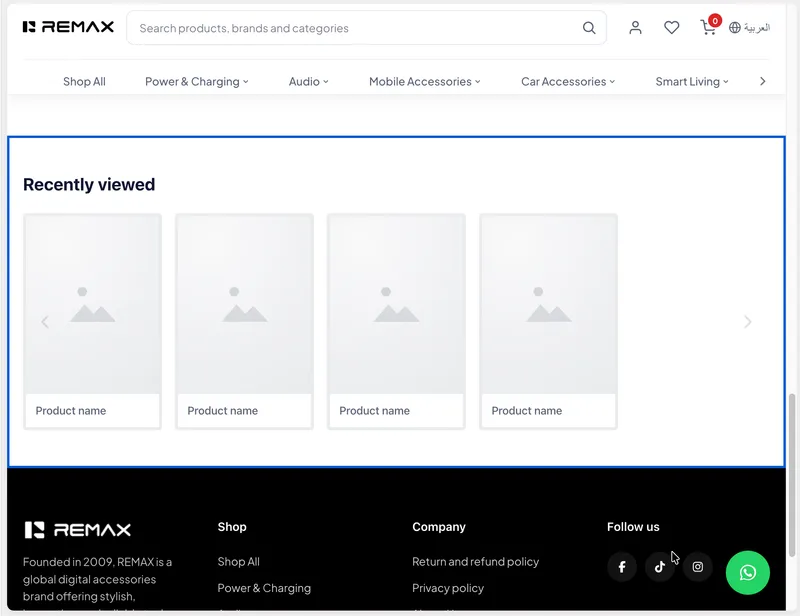
The new Recently Viewed section shows the products a shopper has looked at most recently, so they can easily return to items they were interested in. You can add it to your homepage, product pages or collection pages, with no setup needed: just add the section in the MON Studio theme editor.
Each shopper's own history, always current
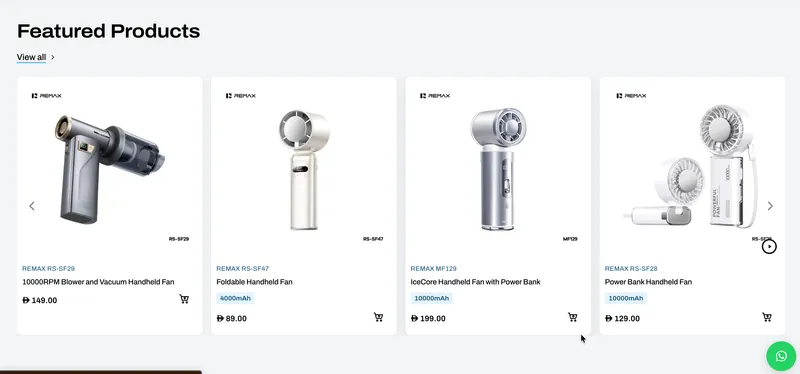
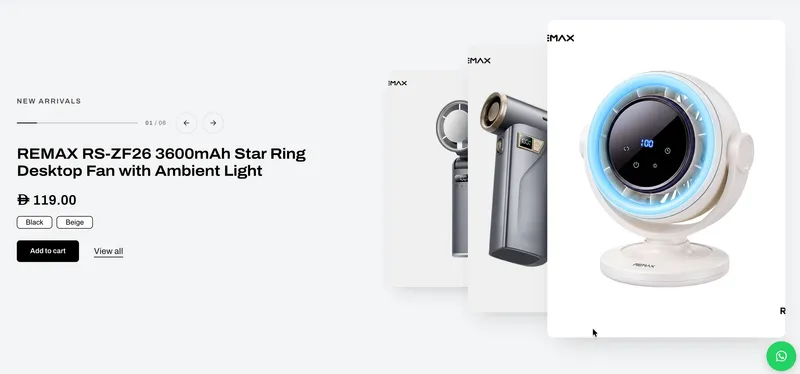
The section shows each shopper's own browsing history, newest first, with up to 20 products. Cards match your theme's product cards exactly, including prices, sale badges, offers, color swatches, hover images and product videos. Prices are always current and shown in the shopper's selected currency, and products that are no longer available are removed automatically.
Fast, and never an empty space
Recently Viewed loads only when the shopper scrolls near it, so pages stay fast. It stays hidden for new visitors with no history, so there is never an empty space on the page, and on product pages the product being viewed can be left out of the list.
A slider or a grid, with modern defaults
Display it as a slider, with arrows, drag and autoplay options, or as a grid, with separate column counts for desktop and mobile. The defaults suit your theme out of the box: a 5-column slider on desktop and a peek slider on mobile.
Controls to make it yours
Set a minimum number of products before the section appears, and choose how many products are shown, the heading and subheading, image ratio, hover effects, card design and fields, badges, low stock bar and spacing. An optional Clear history link can sit below the products, and it is off by default. In the theme editor the section shows sample products, so you can style it before any history exists.