
Order menu badge — see new orders at a glance
The Orders item in your sidebar now shows a count badge for orders waiting on you.
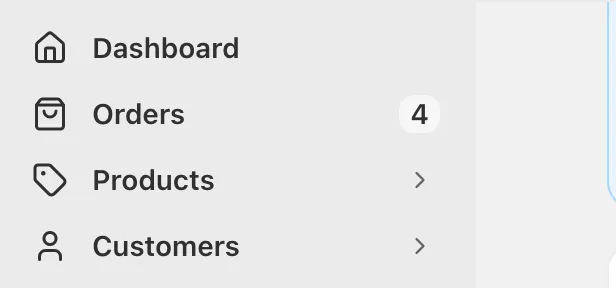
See new orders at a glance
The Orders item in your admin sidebar now shows a small count badge for orders waiting on you.
What it counts
The number is how many orders customers have placed that you haven't confirmed yet. Once you work through them, it clears — so the badge always means "something is waiting", not "here's your total order count". Orders already being fulfilled or on their way with a courier aren't counted, since those aren't waiting on you.
How it behaves
Nothing waiting means the badge doesn't show at all, and more than 99 pending shows as 99+. The count keeps itself up to date while you're working, so a new order appears in the badge without needing to reload the page, and it also refreshes when you come back to the tab after being away. Users who don't have access to orders won't see it.
Where it shows
It's visible on the full sidebar and on mobile, and hidden when the sidebar is collapsed to icons only. It's styled to match the rest of the sidebar, in both light and dark mode.


