
Delete quotations, invoices, and orders
Remove records you no longer need, with safeguards that keep linked documents consistent.
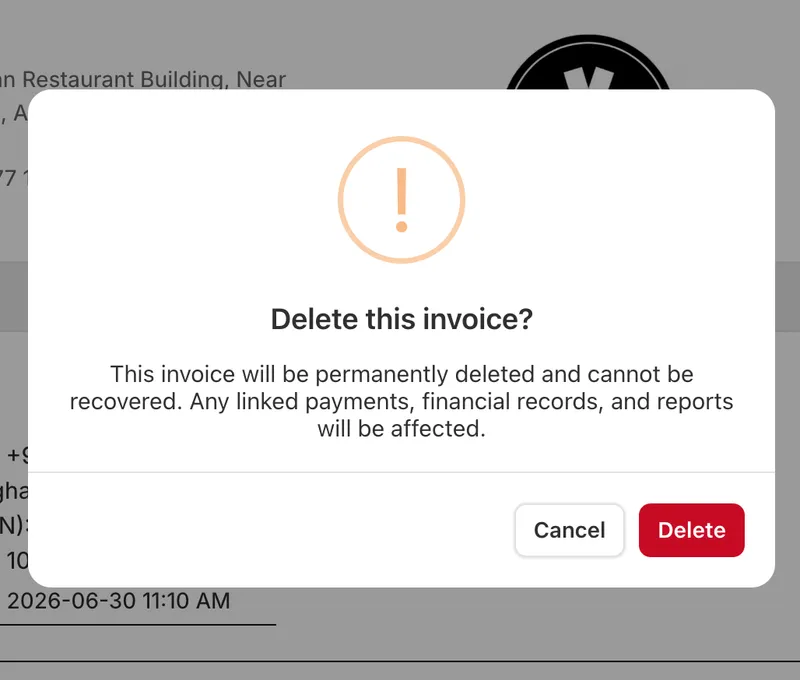
Delete quotations, invoices, and orders
You can now delete a quotation, an invoice, or an order you no longer need, so you can clean up records that were created by mistake or are no longer relevant instead of leaving them in your finance module.
Deletion follows the link chain
To keep your records consistent, you delete in reverse order. An invoice can only be deleted if it isn't linked to an order — if it was converted into one, the invoice points to that order, so you delete the order first, then the invoice. A quotation works the same way through its invoice: delete the invoice first, then the quotation.
Orders delete only when cancelled and paid manually
An order can be deleted only if it's cancelled and uses manual payment. This keeps active or externally-paid orders safe from accidental removal.


