
Contact widget
A floating contact button for every page, with up to four channels and a prefilled WhatsApp message.
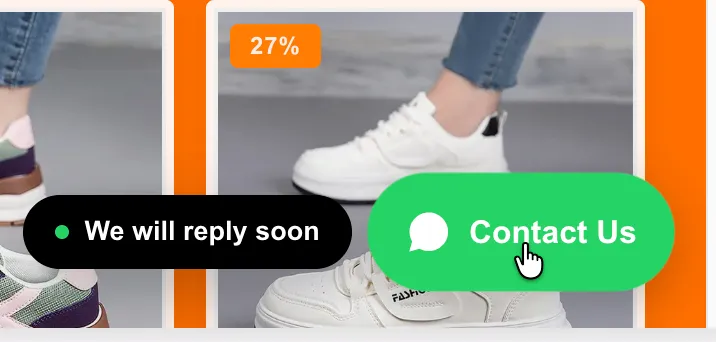
A floating contact button, on every page
A floating contact button can now be added to every page of your store, set up under Contact widget in the theme settings panel of your MON Studio theme editor.
Up to four channels
Add up to four channels — WhatsApp, Telegram, Instagram, Messenger, Viber, LINE, email, phone or SMS. Enter just the number or username and the correct link is built for you. With one channel the button opens it directly; with several, the button expands into a list of channels, each in its own brand colour.
A ready-made message on WhatsApp
When WhatsApp is your only channel, customers can be shown a short message panel first, styled like a familiar chat screen. They pick a ready-made question or type their own, and WhatsApp opens with the message already written — so enquiries arrive as clear questions instead of an empty "hi". The page title and link can be included automatically, so you always know which product they were looking at.
Fully configurable, and off by default
The button's position, size, colour, label and appearance delay are all configurable, and it can be shown or hidden separately on desktop and mobile. An optional teaser message slides out beside the button to invite the first click. The widget is off by default and adds nothing to the page until enabled.


