
Bulk product import
Add thousands of products at once from a CSV file — with variants, pricing, stock, collections, tags and images.
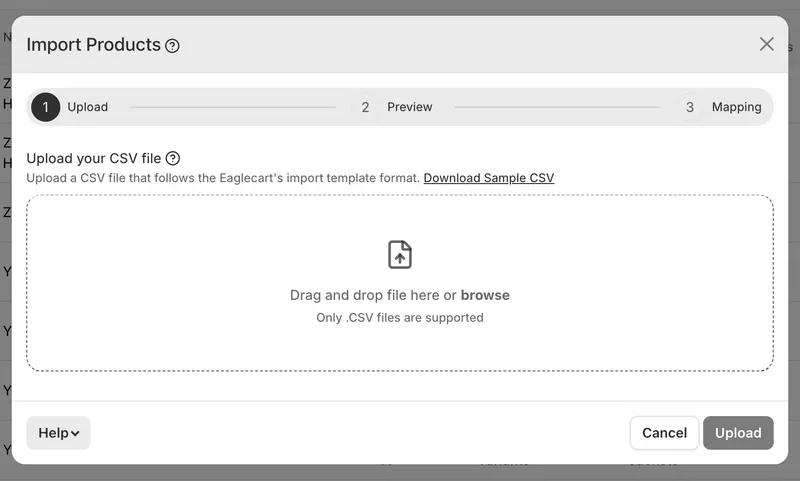
Upload and map
Drop in a CSV from any source. We read your column headers and match them to the right fields automatically; anything we don't recognise you can point at the right field yourself in the mapping stage. A preview shows your first product exactly as it will be created, so you can check before committing.
Variants and options
Up to three options per product — e.g. colour, size, material — with per-variant SKU, barcode, price, cost, stock and weight. Leave a cell blank and it takes the value from the product's first row, so you only fill in what differs.
Images from anywhere
Point at image URLs and we fetch each one, store it in your own file library, and attach it to the right product or variant. Images already in your library are recognised and linked rather than downloaded again. Your products appear first and their pictures fill in behind them.
Created as you go
Vendors, product types, collections and tags are matched to what you already have, or created if they're new. Categories and HS codes are matched to existing entries.
Runs in the background
Close the tab, carry on working. Progress shows on your product list, and an email arrives when it's done — including any images we couldn't reach, so you know exactly what to fix.
Getting started
Download the sample CSV, or open the built-in guide from the import window for the full format.


