
Open records in a new tab, and notifications that clear on their own
Open a row from any list without leaving it, and notifications now clear one at a time.
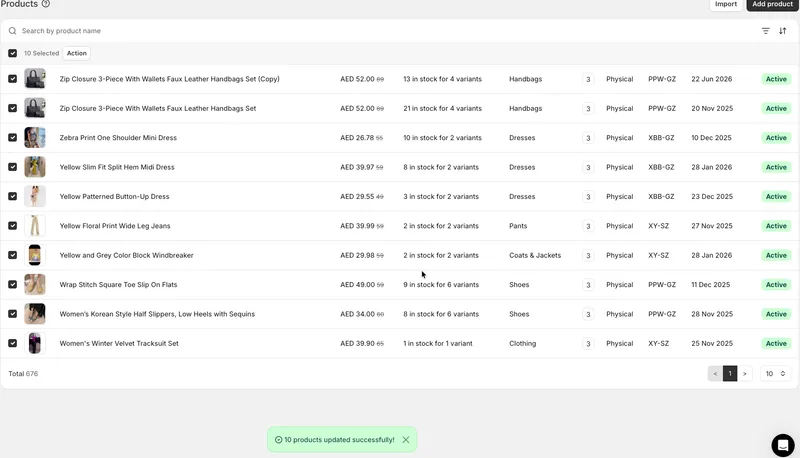
Open a record in a new tab from any list
Everywhere you have a list in your admin — orders, products, purchase orders and the rest — clicking a row has always opened that record in the same page, and there was no way to open it in a new tab instead. Now you can. Right-click a row and choose "Open link in new tab", or Cmd-click on Mac, Ctrl-click on Windows, or middle-click. Normal clicking still works exactly as before. This helps when you're going through a long list and want to open a few records to compare — you can open them in the background and come back to your list still filtered and still in the same place.
Notifications clear one at a time
When several notifications appeared one after another in the admin, they used to wait for each other and then all disappear at once, so a message that had just appeared could vanish before you'd read it. Now each notification disappears on its own schedule — the older one goes while the newer one stays on screen long enough to read.


