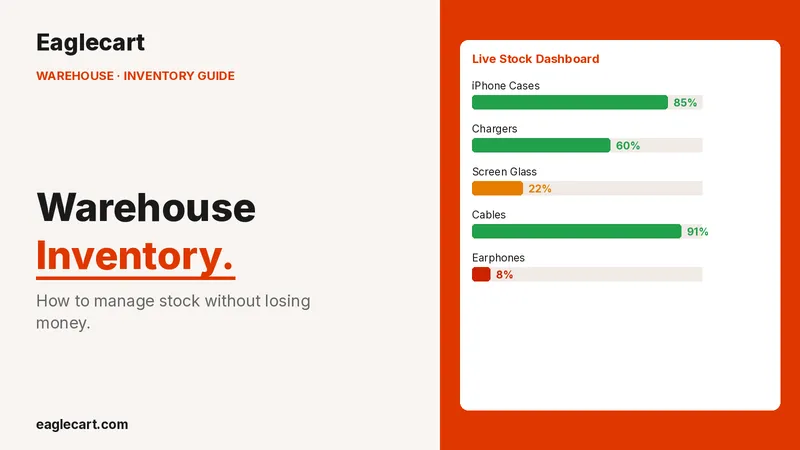
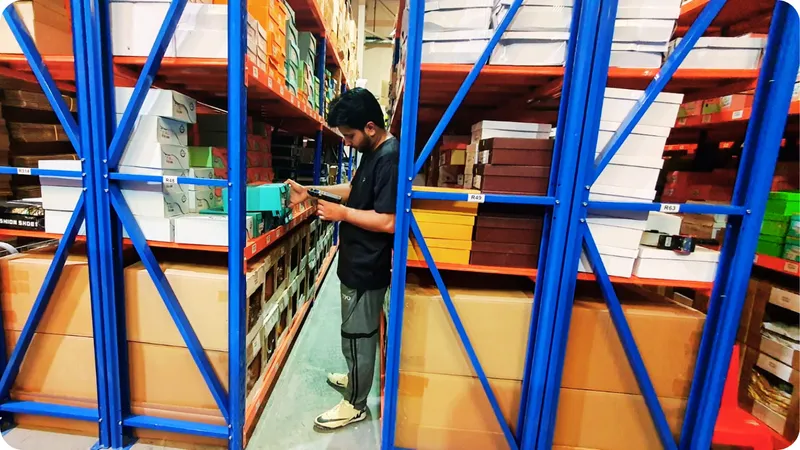
Warehouse Management System in the UAE
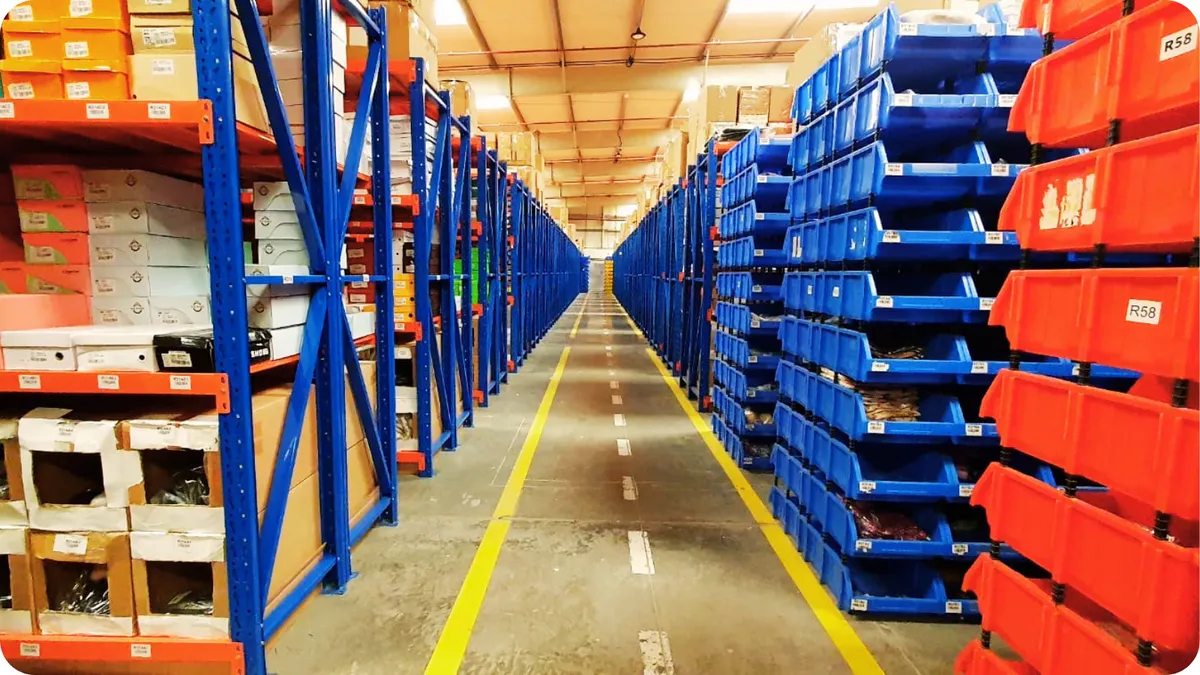
Warehouse Management System in the UAE: How Eaglecart's Built-In WMS Works (Layout, Racks, Bins and Barcodes)
If you are searching for a warehouse management system in the UAE, or for warehouse management software that can map your racks, shelves and bins and put a barcode on every location and product, this article is for you. Eaglecart is a UAE-built business platform with a built-in warehouse management system (WMS) that handles warehouse layout, rack, shelf and bin locations, barcode generation and printing, put-away, stock transfers and live inventory, all from one admin and with no special hardware required.
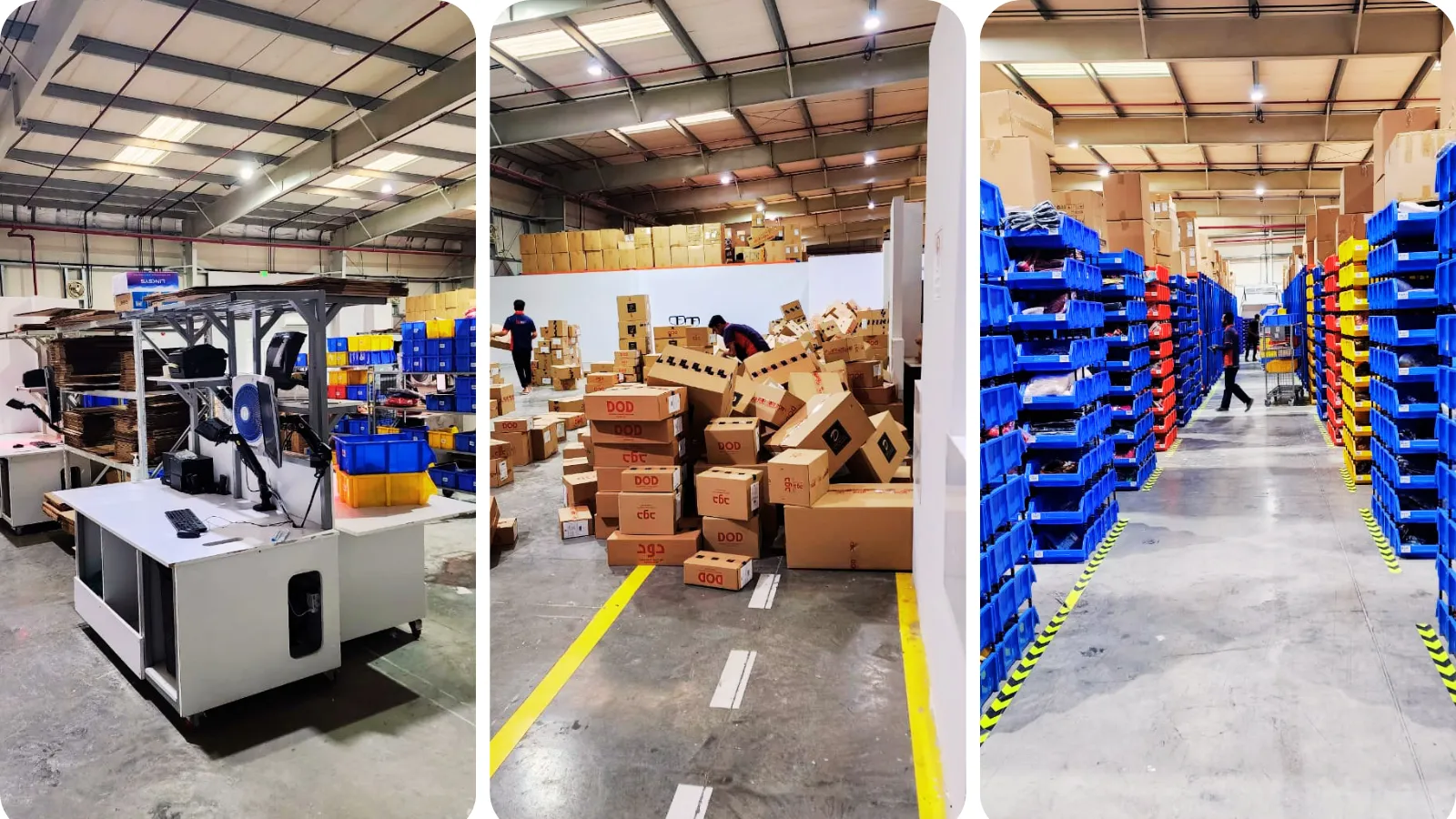
I did not start by writing about warehouses. I learned them the hard way. By December 2021, the ecommerce business I built was processing approximately 1,700 orders per day from a 30,000 sq ft warehouse, carrying more than 20,000 SKUs, and to run it we had to build our own Warehouse Management System, inventory management, and picking and packing workflows internally. When I created Eaglecart, I made these same warehouse tools core options inside the admin, so any small or medium business in the UAE could have them without building expensive custom software. The built-in WMS sits under the WMS menu and includes Manage Inventory, Layout, Inventory By Layout, Inventory By Product, and Assign Product To Layout.
What a Warehouse Management System Is, and Why UAE Businesses Need One
A warehouse management system, or WMS, is the system that tracks the exact location and quantity of every product across your racks, shelves and bins. If your team spends time searching for stock, miscounts items, or ships the wrong product, a warehouse management system pays for itself quickly. The difference between a warehouse that runs and one that fights you comes down to whether every item has a precise, findable location, and whether your stock count stays accurate as products move in, around and out of the building.
For businesses in Dubai, Sharjah, Abu Dhabi and across the UAE, this matters because inventory is cash sitting on your shelves, and growth without systems creates problems. A WMS turns a back room or a warehouse into something any trained team member can run, rather than a place that only a few experienced staff understand. That is exactly what Eaglecart's warehouse management system is built to do, as a core part of the platform rather than a separate tool.
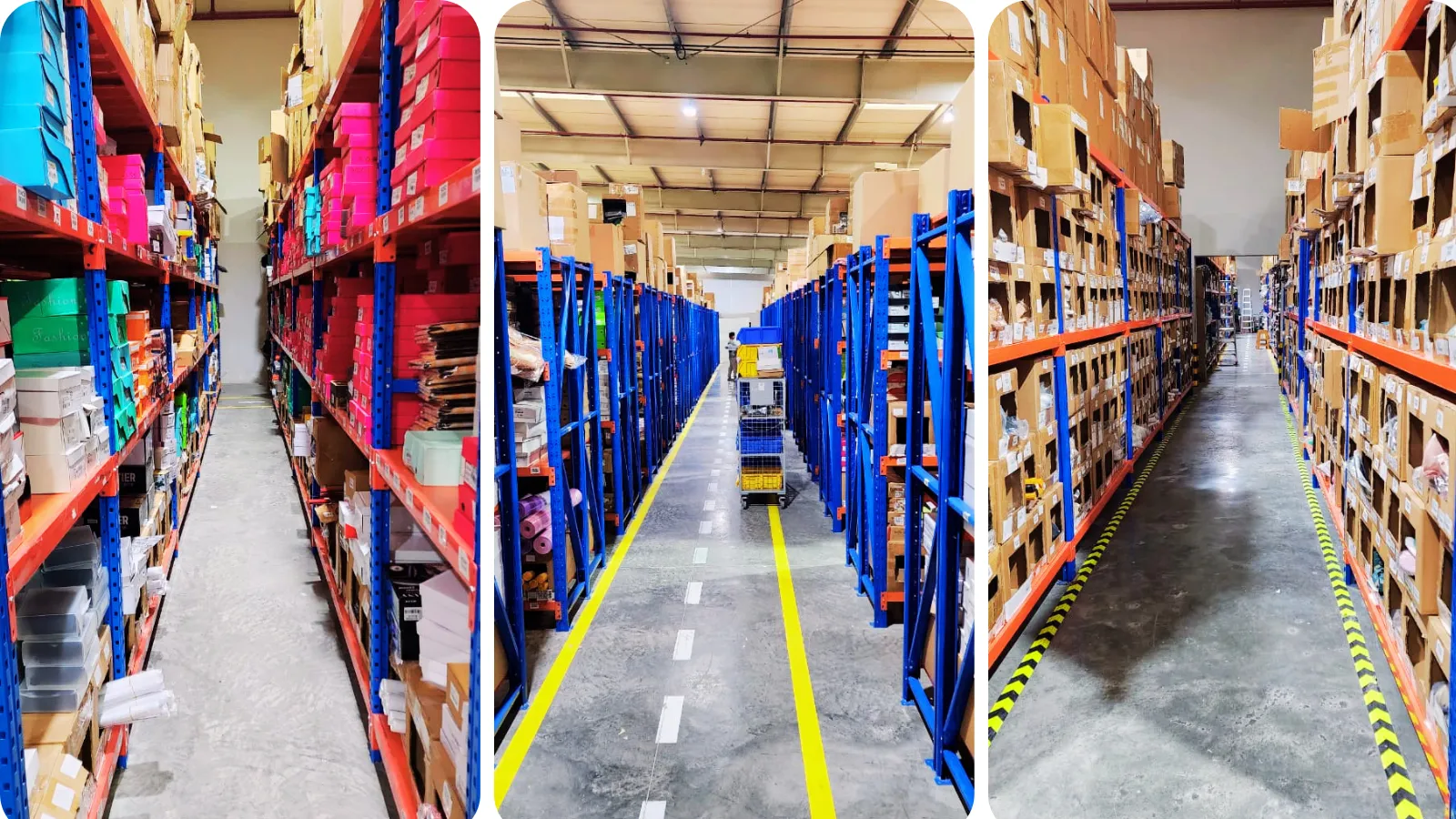
Mapping Your Warehouse Layout: Racks, Shelves and Bins
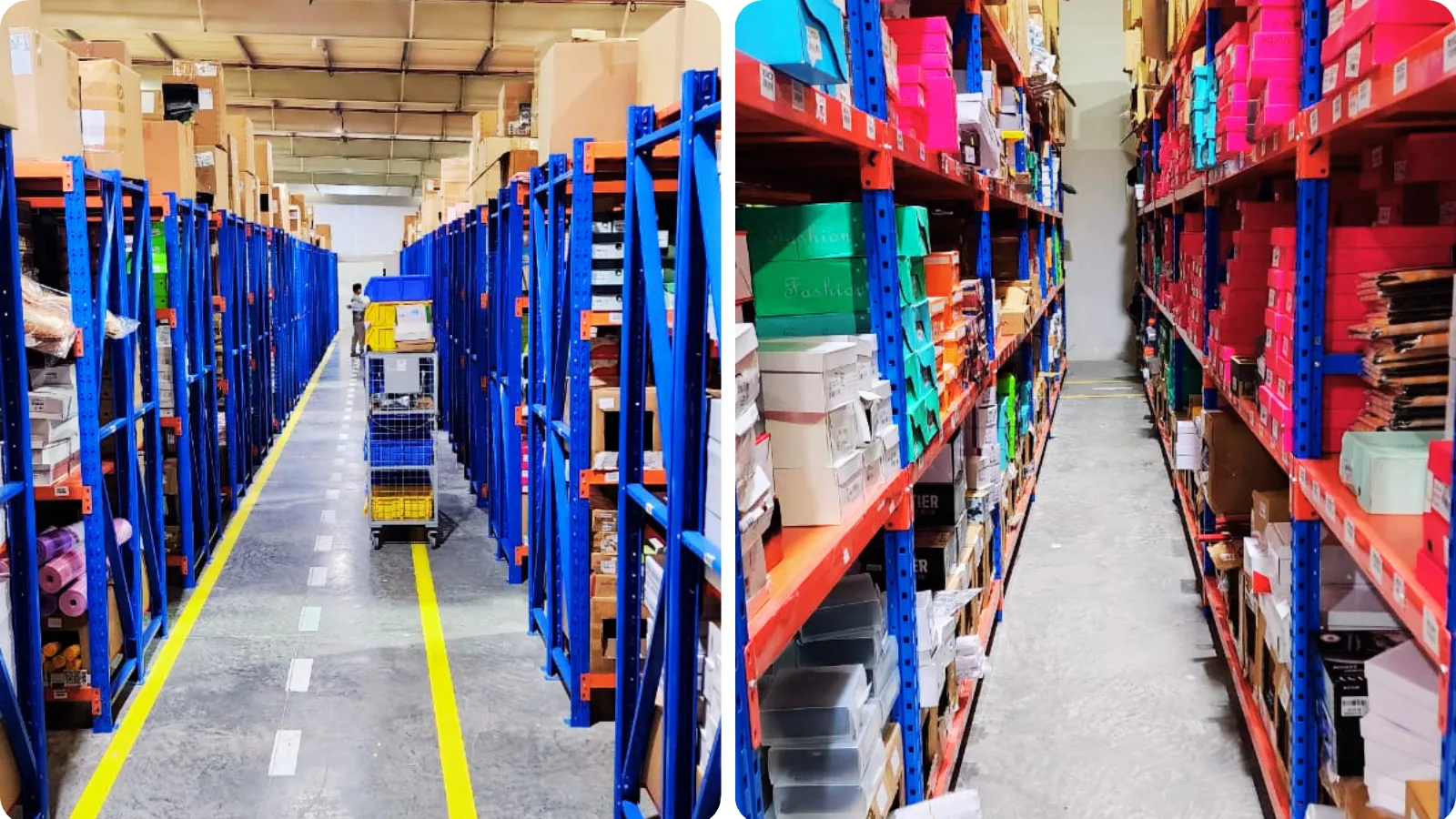
A warehouse management system starts with the layout. In Eaglecart, this lives in the Layout section of the WMS, where you map your warehouse visually by setting up racks, shelves and bins exactly as they stand on your floor. The system is built around a Warehouse to Rack to Shelf to Bin hierarchy, so the structure on screen matches the structure in your building. You can assign products at any level in that nested hierarchy, see a visual map of your warehouse on screen, and click any bin to see the products and stock assigned to it.
This is the foundation of everything else, because once your racks, shelves and bins exist in the system, every product can be given a precise bin address rather than a vague location. Setting up the layout is the first step to getting the warehouse running, and because Eaglecart supports multiple warehouses, you can map more than one site under the same system, which is useful for businesses operating across more than one emirate.
The Rack, Shelf and Bin Barcode System
Once your racks, shelves and bins are set up, the system lets you print bin labels with barcodes. Bin and product labels can be printed on any printer, so each location in your warehouse carries its own scannable barcode that ties it to the layout you built. This is what turns a rack, shelf or bin from a name on a screen into something your team can scan and confirm on the floor, and it is the basis of the rack, shelf and bin barcode system inside Eaglecart.
Printing these location barcodes is a core part of the system, not a separate tool you buy. The labels come straight from Eaglecart and print on an ordinary printer, which means a small business can label its entire warehouse without any specialised equipment.
Barcodes for Your Products: Manufacturer or System-Generated
Eaglecart gives you two ways to handle product barcodes, depending on what you sell. If your product already has a barcode from the manufacturer, you simply use that same barcode and add it to the product's barcode column in Eaglecart. There is no need to print a new one, because the barcode already on the product is the one the system uses to identify it.
If you are selling generic items that do not come with a manufacturer barcode, Eaglecart lets you generate a unique barcode for the product and print it in different sizes, so you can choose the size that fits your item and paste the label onto your product. Barcode and label printing covers both bin labels and product labels, on any printer, so you can do this across your whole inventory without special equipment.
Once your products and your locations both carry barcodes, scanning works in both directions. You can scan a product to identify its location, or scan a location to identify the product stored there. Any phone, tablet or USB scanner becomes your warehouse scanner, reading 1D, 2D, EAN and QR codes, working on any phone, tablet or desktop with no app to install, and staying offline capable by caching scans until the connection returns. When you point a device at a barcode, you see the product, its bin, its stock level, and the next action to take.
This is what lets you see your whole inventory together with its locations and find anything quickly. Eaglecart shows this both ways in the admin: Inventory By Layout lets you look at a location and see the products stored in it, and Inventory By Product lets you look at a product and see the location it sits in. Even a new staff member who has just joined can scan a product or a location and immediately know where it belongs and what is stored there, without having to learn the entire warehouse by memory first.
Assigning Products to Locations, and Switching Them
After the layout and barcodes are in place, the next step is putting inventory into those locations. In Eaglecart, this is handled through goods receipt and put-away. When a delivery arrives, you receive it, scan the products to verify the quantities, and assign each item to its bin in the same flow. Put-away tasks are generated automatically and guide staff to the right bin every time, and assigning products to their locations is handled in the Assign Product To Layout section, where you scan or select the products and place them into their bin in the layout.
Stock does not stay in one place forever, so the system also handles switching a product's location. You can move stock between bins, racks or even separate warehouses, and you can rebalance stock across locations instantly. Every movement is logged with a full audit trail, so there is a record of stock moving bin to bin and warehouse to warehouse. When you reorganise your floor or shift a product to a different bin, the change is made in the system and the stock stays accurate, with the movement history showing exactly what was moved. Live stock down to the bin, automatic low-stock alerts, and the full movement history are all managed from the Manage Inventory section.
A Warehouse Management System With No Special Hardware
One of the most important things for a small business is that none of this depends on special equipment or outside tools. Barcode scanning is included, it works on any phone, tablet or USB scanner, and there is no proprietary hardware to buy. The warehouse management system is one platform with every tool your operation runs on, with no bolt-ons and no per-module fees. Setting up the layout, printing the barcodes, putting away stock, switching locations and scanning inventory are all core options in the admin.
The warehouse is also connected to the rest of the business. It shares one stock with the online store and the point of sale, so web orders pick from the correct bin, in-store POS sales deduct from the same warehouse stock, stock value and cost flow into the accounts, and low stock can trigger purchasing. Because the warehouse management system works alongside product management, your products, their inventory and their warehouse locations are part of the same platform, which is what makes it a complete product and inventory management system for a UAE business rather than a standalone tool.
Is Eaglecart the Right Warehouse Management Software for Your Business
When people ask which is the best warehouse management software in the UAE, the honest answer is to look at what the system actually does for a small business. A strong warehouse management system should let you build your warehouse layout from racks, shelves and bins, give every location and product a barcode, put inventory away into precise locations, switch a product's location with a clear audit trail, and find anything quickly by scanning, all without forcing you to buy special hardware or pay for each module separately.
Eaglecart provides all of this as a built-in, core part of the platform. It is a UAE-built warehouse management system, it supports multiple warehouses, it includes barcode scanning that runs on devices you already own, and it connects the warehouse to your online store, POS and accounts. The goal behind it is simple: give every business owner access to powerful tools without needing to build expensive custom software, and let them run the whole business from one platform.
Warehouse Management System UAE: Common Questions
What is a warehouse management system (WMS)?
A warehouse management system is the system that tracks the exact location and quantity of every product across your racks, shelves and bins, and keeps that information accurate as stock moves in, around and out of your warehouse. If your team searches for stock, miscounts, or ships the wrong product, a WMS pays for itself quickly.
Which is the best warehouse management software in the UAE?
The right warehouse management software for a UAE business is one that lets you build your layout, barcode your locations and products, put away and transfer stock, and find items by scanning, without special hardware or per-module fees. Eaglecart offers all of this as a built-in, core part of a UAE-built platform, with multi-warehouse support and connections to your online store, POS and accounts.
Do I need special hardware or a barcode scanner?
No. Eaglecart's WMS works on any phone, tablet or USB scanner, reads 1D, 2D, EAN and QR codes, needs no app to install, and keeps working when the internet drops by caching scans until you reconnect. Barcode scanning is included, with no proprietary hardware required.
How does the rack, shelf and bin barcode system work?
You build your warehouse layout as a Warehouse to Rack to Shelf to Bin hierarchy, then print bin labels with barcodes for each location. With both locations and products carrying barcodes, you can scan a location to see the products in it, or scan a product to see its location.
Can I use my product's existing manufacturer barcode?
Yes. If your product already has a manufacturer barcode, you add that same barcode to the product's barcode column in Eaglecart, with no need to print a new one. For generic items without a barcode, Eaglecart generates a unique barcode that you can print in different sizes and paste onto the product.
Does it work for businesses in Dubai, Sharjah and Abu Dhabi?
Yes. Eaglecart is built in the UAE for UAE businesses, including those in Dubai, Sharjah, Abu Dhabi and the other emirates, and its multi-warehouse support means you can manage stock across more than one site from one system.
How long does it take to set up?
You set up your layout by adding racks, shelves and bins to match your floor, assign products to bins by scanning or selecting them, and then pick, pack and ship. No IT team is required to begin.