How a POS System Stops You Overselling: One Stock Number for Shop and Online
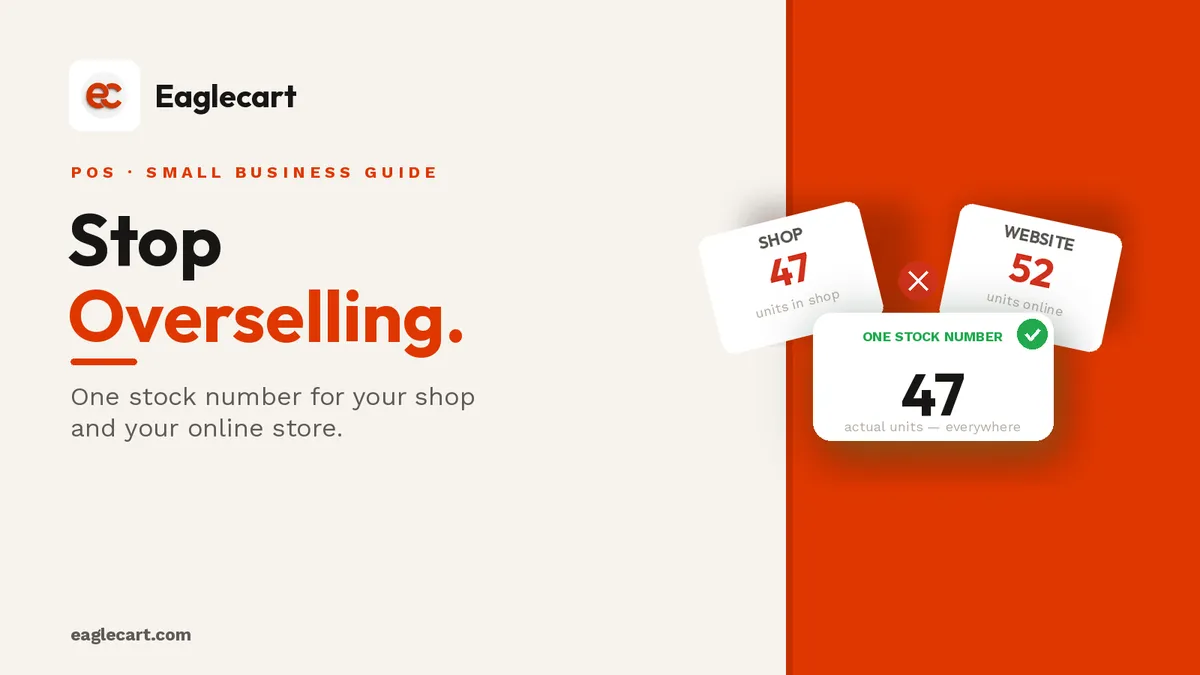
Overselling happens when your shop and your online store are counting from two different stock numbers. A customer orders something online, you confirm it, then you go to pull it from the shelf — and it is gone, already sold at the counter an hour earlier. Now you either cancel the online order and lose the customer, or you scramble to fix a problem you never needed to have.
The fix is a single stock number shared across every place you sell, updated the moment a sale happens anywhere. A POS connected to your online store does exactly that. When a walk-in buys the last item, the website sees zero immediately — before anyone else can order it.
We hit this problem hard when we were scaling. We had around 20,000 SKUs across our warehouse and were processing 1,700 orders a day at our peak. Managing two separate stock counts — the warehouse for online, the shop for retail — was a full-time disaster. Products would go negative. Customers would get cancellation messages after they had already paid. Staff would waste hours reconciling numbers that should never have been different in the first place. The day we moved to one stock number was the day that whole category of problem disappeared.
Key Takeaways
- Overselling happens when your shop and online store have separate stock counts.
- A connected POS shares one stock number, so every sale — in-shop or online — draws from the same total.
- With Eaglecart, an online order removes stock the moment it is placed, before any duplicate sale can happen.
- One shared stock number also means your sales report, your purchasing decisions and your customer experience all improve at once.
Why two stock numbers always cause problems
When your shop and your online store track stock separately, you are guaranteed to oversell eventually. It is not a question of how careful you are — it is a question of how long before two sales happen close enough together to catch you out.
You sell something at the counter. The website does not know yet. A customer places an online order for the same item ten minutes later. Both see stock available, both complete — and you only have one item. Every shop that grows beyond a handful of sales a day reaches this moment.
How one stock number actually works
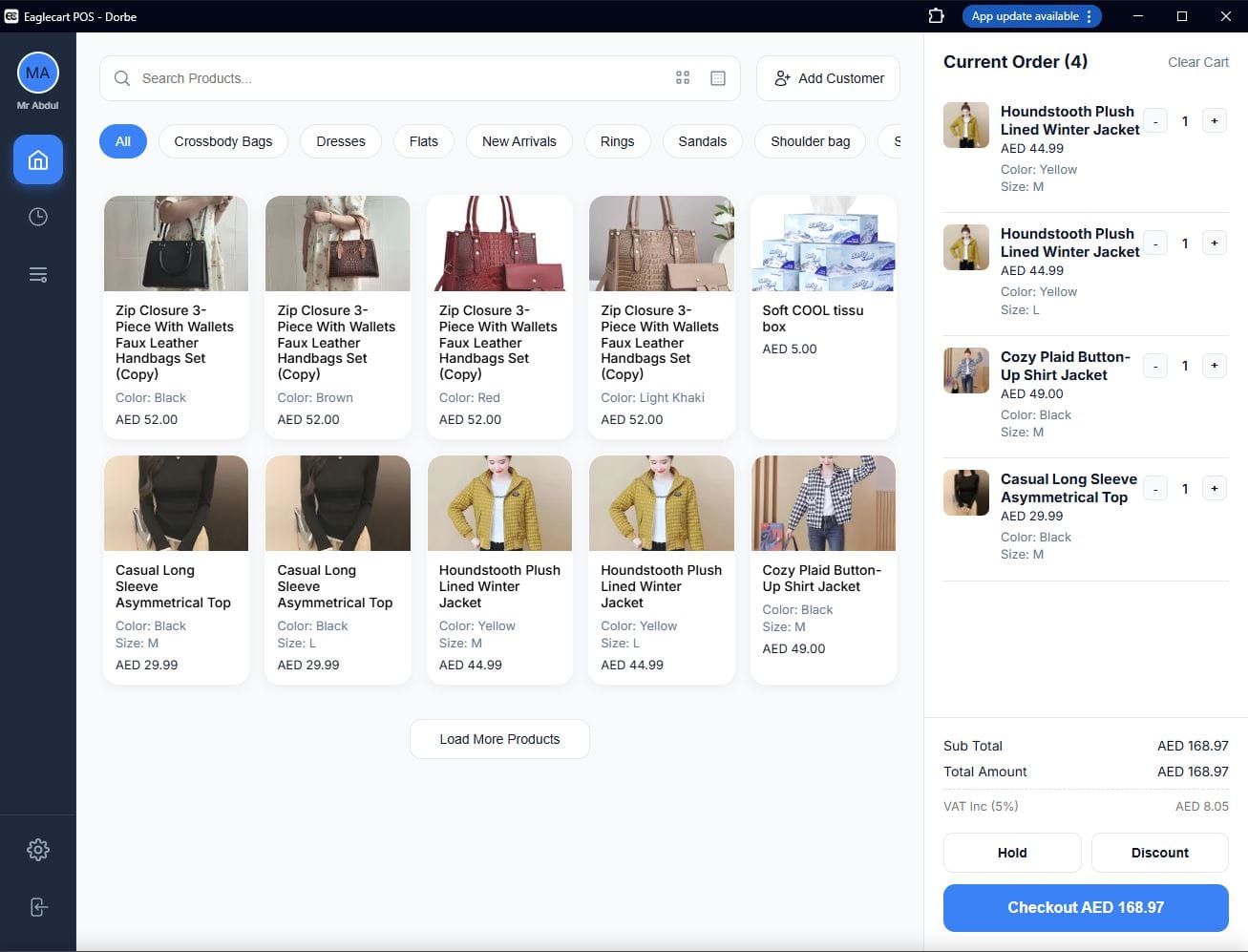
A shared stock number means every place you sell — the counter, the website, a second shop — draws down from one central total. When a sale happens anywhere, the number drops everywhere, instantly.
With Eaglecart, the POS and the online store share the same product inventory. A walk-in sale at the counter reduces the same count the website is selling from. And an online order removes the stock the moment the customer places it — not when you process it, not when you ship it, but the instant they confirm. So if two people try to buy the last item at the same moment, only one can complete the order.
What happens to stock when an online order comes in
This is the part that matters most for preventing overselling. With Eaglecart, the stock comes off the moment the order is placed — automatically, before you even open the order.
You do not need to remember to update it. You do not need to check it later. The moment a customer completes their checkout on your website, that item is reserved against your stock count, and no other customer — online or walk-in — can claim the same unit. The order then lands in your dashboard, where you print the packing slip and handle fulfilment.

The real cost of overselling
The obvious cost is the cancelled order — the customer you had to call back, the refund you had to process, the trust you lost. But the hidden cost is larger. Every time you oversell, you confirm to that customer that your shop is not reliable. Most of them do not come back.
There is also the internal cost: the staff time spent reconciling stock, the confusion when two salespeople think they both have inventory that only one of them can fulfil, and the management time it takes to figure out why the numbers are wrong again. A single stock number makes all of that disappear.
What a correct stock count changes beyond just overselling
One stock number does more than stop overselling. When your count is accurate, every other decision that depends on it gets better too.
Your purchasing decisions improve because you know what you actually have, not what you think you have. You stop reordering things you already hold and stop running out of things that were selling faster than the manual count showed. Your customers stop getting cancellations. Your staff stop wasting time on reconciliation. And your end-of-day report tells you what you actually sold, not what the paper said before someone forgot to update it.
How Eaglecart keeps one stock number across every channel
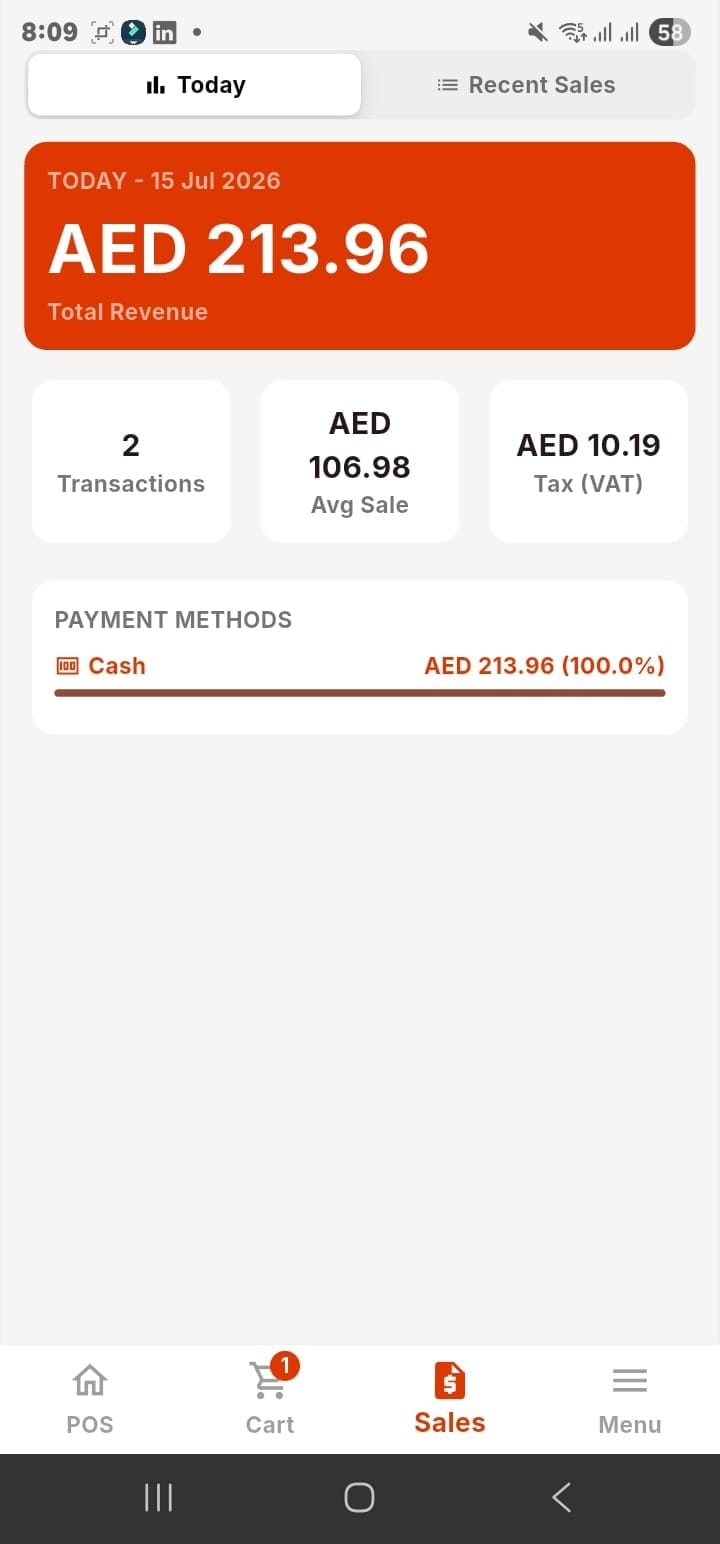
Eaglecart's POS and online store share the same product catalogue and the same inventory. You manage your products once, in one place, and every sales channel draws from that same count. The POS is built on the same platform as the online store, so there is no sync to set up, no integration to configure, and no delay between channels.
When you sell at the counter, stock drops for the website. When an online order comes in, stock drops for the counter. When you receive new stock in your dashboard, it goes up everywhere at once. That is the whole idea — one platform, one number, every channel.
What to do if you are already running two separate counts
The answer is to consolidate them before the next oversell happens, not after. Set your actual stock in one place, connect your POS and your online store to the same platform, and let the system manage the count from that point forward.
With Eaglecart POS for small business at AED 49 per month for one location, and running on the phone or desktop you already own, there is no significant setup cost. You add your products once, set your stock correctly, and you are done — the system handles every update from there.
Frequently asked questions
What is overselling and why does it happen?
Overselling is when you confirm a sale — online or in person — for an item you no longer have. It happens when your shop and your online store track stock separately, so a sale in one place is not immediately reflected in the other.
How does a POS system stop overselling?
A connected POS shares one stock number with your online store. Every sale, wherever it happens, reduces the same count immediately, so two channels can never both sell the same last item.
When does Eaglecart remove stock for an online order?
The moment the customer places the order. Stock is reserved at checkout, not when you process or ship — so by the time you see the order in your dashboard, the inventory is already secured.
What if I currently run my shop and my website on separate systems?
You are almost certainly overselling periodically and may not know it. Consolidating to one platform with one stock count stops it immediately. With Eaglecart, the POS and the online store are the same system, so there is nothing to connect — they share stock by default.
Does one shared stock number work across multiple shop locations?
Yes. Eaglecart supports multiple locations, each with its own stock, all visible from one dashboard. A sale at one location reduces that location's count, and you can see the full picture across all locations at once.