Which Type of Discount Should You Run on Your Online Store?
Which Type of Discount Should You Run on Your Online Store?
The discount type matters more than the number you put on it. A flat percentage code is what most store owners reach for, and it is usually the wrong tool, because it takes money off orders that were going to happen anyway.
Match the type to the job instead. If you want a first order, use a code. If you want a bigger basket, use a quantity or bundle offer. If you want the checkout objection to disappear, cover the delivery.
Key Takeaways
- Pick the discount type by the job you want done, not by the percentage you can afford.
- Codes are for attribution and control; automatic discounts are for offers everyone should see.
- Caps, exclusions and minimums are what keep a discount from eating your best margin.
- Judge a campaign on return on discount, not on how many people used the code.
What are the different types of discounts you can run?
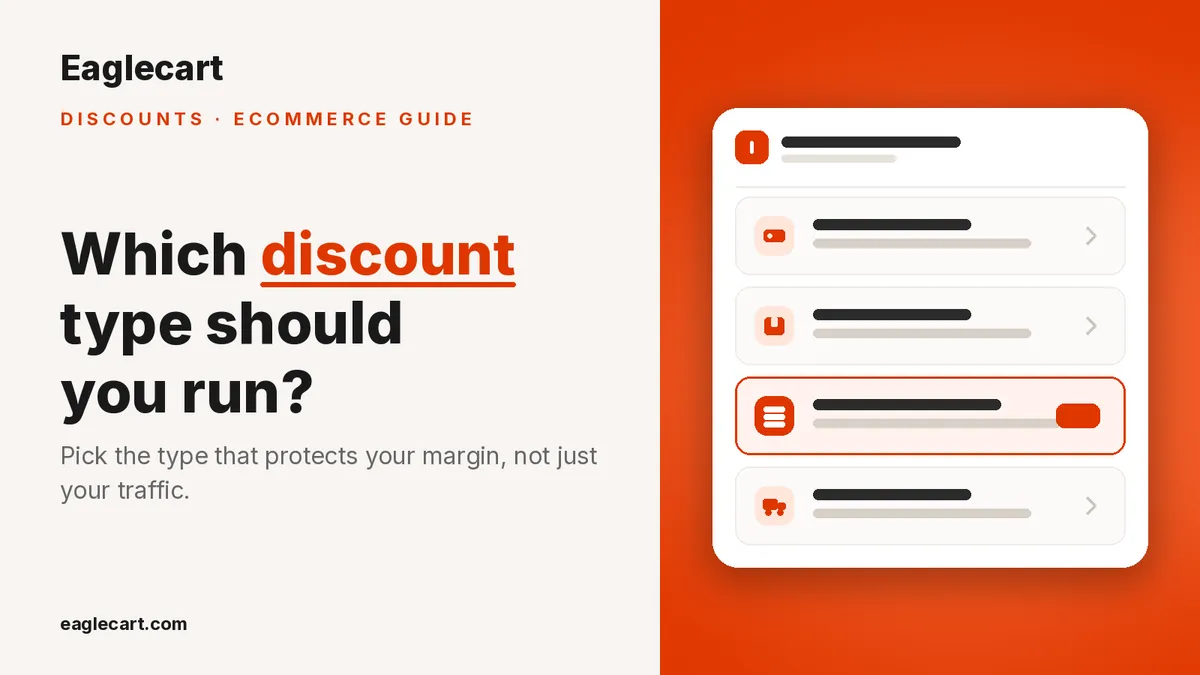
There are seven, and they fall into three jobs. Get more orders covers a coupon (a code the customer types at checkout), a product discount (money off chosen products or collections) and an order discount (money off the whole cart, like 10% off orders over 200). Grow the cart covers a quantity discount (buy more, save more), buy X get Y, and a bundle (products sold together for one price). Delivery covers free shipping.
I learned the difference the hard way at DODuae. We were carrying more than 20,000 SKUs, a lot of it imported from China at thin margins, and we ran a site-wide percentage code because it was the easy thing to set up. It came off everything. It came off the slow stock we wanted to move and it came off the fast stock that needed no help at all, and my customer service team spent the day answering questions about it instead of selling.
The campaign looked busy. It was not profitable. A discount without limits is not a campaign, it is a hole.
Should you use a discount code or an automatic discount?
Use a code when you need to control or measure who gets the offer. Use an automatic discount when you want every shopper to see the lower price without having to know a secret word.
Codes are right for influencer deals, win-back emails, WhatsApp campaigns and anything where you want to know which channel actually produced the order. Automatic discounts are right for clearance, seasonal offers and anything you are also advertising on the product page, because a shopper who has to go hunting for a code often does not come back.
In Eaglecart every type except the coupon can run either way. You pick Automatic discount or Discount code at the top of the same form, so you are not rebuilding the offer to change how people get it. Coupons come with a code generator, so you are not inventing one yourself, and a toggle to show the code on product pages when you want it visible rather than hidden.
How do you stop a discount from destroying your margin?
Set the guardrails before you set the percentage. Four controls do most of the work: a maximum discount amount, an exclusion list, a minimum requirement, and a usage limit.
The maximum discount is the one people forget. A 50% offer on a low-priced item is fine; the same 50% on your most expensive product can wipe out the whole day. In Eaglecart you set a cap in AED next to the discount value, so the percentage applies but never goes past a number you chose.
The exclusion list is what I wish I had at DODuae. "Except these products" lets a site-wide offer run while your thin-margin lines sit out of it. Minimum requirements do the opposite job: you can require a minimum amount spent or a minimum number of items, so the discount only fires when the order is worth giving it on.
Then there are limits. You can cap how many times a discount is used in total, how many times each customer can use it, and how many discounted items one order can contain. That last one matters if you sell anything a reseller would buy in volume.
Stacking is off by default, and it should stay off. If an order qualifies for more than one of your offers, the customer gets whichever one saves them more, rather than all of them landing on the same cart at once.
Can you give a discount to only some customers?
Yes, and this is where most stores leave money on the table. You can run an offer for all customers, for specific customers you pick, or for a customer group such as Wholesale or VIP.
There is also a first-order-only switch. That is the honest way to run an acquisition offer, because it stops your existing buyers from being trained to wait for a code before they order anything.
How do you schedule a discount and run it in one region only?
Every discount has a start date and time and an optional end date, set in your store's own timezone rather than a server clock somewhere else. For a UAE store that means Gulf Standard Time, so a midnight Ramadan or White Friday launch starts at your midnight.
Regions matter if you sell in more than one market. A discount can be switched on for the United Arab Emirates while other regions stay paused, so a campaign priced for one market does not quietly run in another one where your costs are different. The panel beside the form writes your whole discount out in plain English as you build it, which is the fastest way to catch a setting you did not mean to leave on.
How do you know whether a discount actually worked?
Look at return on discount, not at how many people used the code. The discounts list shows four numbers over the last 30 days: discounted orders, discount given, sales from discounts, and return on discount as a multiple.
Discount given is a cost. Sales from discounts is the revenue that cost produced. The multiple between them tells you whether the campaign bought you anything, and each discount row shows its own result, uses and total AED taken off.
If you cannot see what the discount returned, you are not running a promotion, you are just lowering your prices. That was the real lesson from the warehouse years: the offer is easy, the measurement is what makes it a decision you can repeat.
FAQ
Should I use a discount code or an automatic discount?
Use a code when you need to control who gets the offer or measure which channel it came from. Use an automatic discount for clearance and seasonal offers that every shopper should see without hunting for a code. In Eaglecart, every discount type except the coupon can be switched between the two on the same form.
Can I stop a discount from applying to my low-margin products?
Yes. Every discount has an "except these products" exclusion, so a store-wide offer can skip the lines you cannot afford to discount. You can also cap the maximum discount amount in AED so a percentage never goes past a limit you set.
Can two discounts apply to the same order?
Not unless you allow it. Combining is off by default, and when an order qualifies for more than one offer the customer gets the single one that saves them the most. You can turn combining on per discount when you genuinely want offers to stack.
Can I schedule a discount to start and end on its own?
Yes. You set a start date and time and an optional end date, and it runs in your store's timezone, which for a UAE store is Gulf Standard Time. That means a midnight sale begins at your midnight and stops without anyone needing to log in.
Can I run a discount for wholesale or VIP customers only?
Yes. A discount can be limited to specific customers or to a customer group such as Wholesale or VIP. There is also a first-order-only option, which keeps an acquisition offer away from customers who were going to buy anyway.