
Turn your sales channels on and off
A new Sales Channels page lets you choose which channels your store runs — POS, Workshop, and Online.
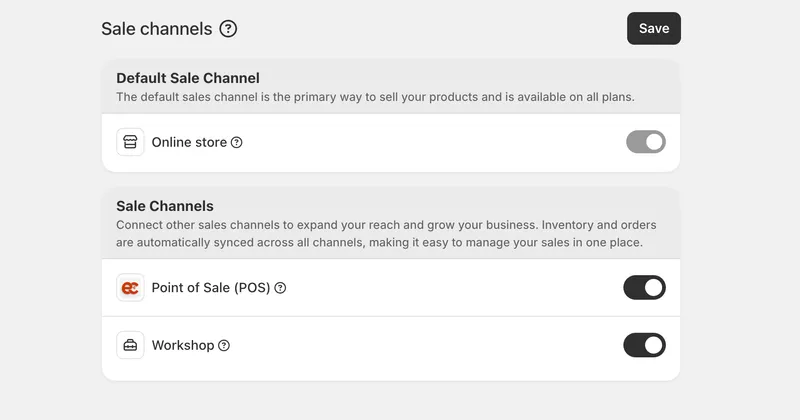
Choose how your store sells
We've added a Sales Channels page where you decide which channels your store runs. Switch POS and Workshop on when you need them and off when you don't, so the platform reflects how your business actually operates instead of carrying tools you aren't using.
Online stays on
Online is your store's foundation, so it's always on and can't be turned off. POS and Workshop sit alongside it as channels you enable on top, keeping a clear hierarchy with your storefront at the base.
Where to find it
The page lives under Settings, in Sales Channels. Toggle a channel and your store updates to match — no setup call, no waiting.


