
Redirect old URLs from your previous website
Redirect any address, even one that only ever existed on your old website, to a page on your store.
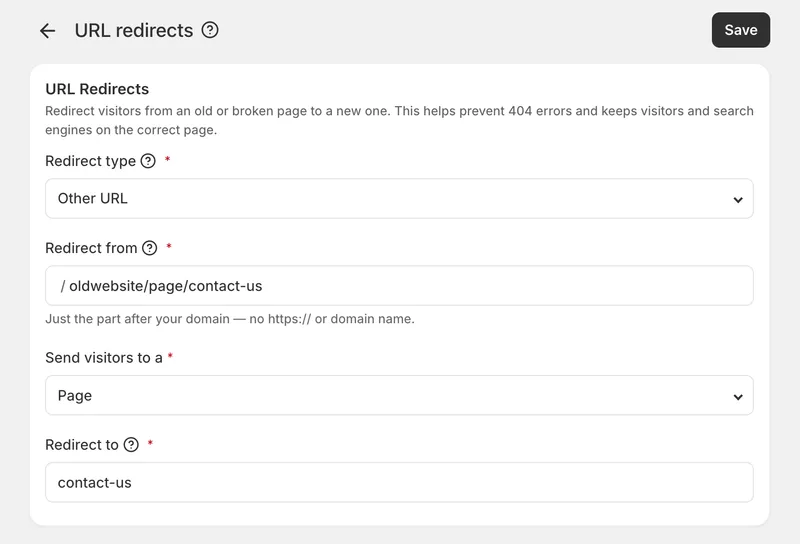
Redirect any address to your store
You can now redirect any web address to a page on your store — including addresses that only ever existed on your old website. Previously, redirects only worked for your own store links whose address had changed. If you moved to Eaglecart from WordPress, Shopify, Wix or a custom site, your old links returned a "page not found" error, losing the visitors and search rankings those pages had built up.
What's new
A new Other URL option in the redirect type dropdown covers addresses that were never part of your store. Enter just the path from your old site — no https:// and no domain name — and if you paste a full address it's cleaned up automatically. You then choose where visitors land: a product, collection, page, blog or blog post, with search to pick the exact one. Old address formats are supported too, including ones with folders like 2019/05/my-first-post and file extensions like about-us.html. Every option in both dropdowns now has a short description explaining what it does, and a new Other URL tab in the redirects list keeps migrated links separate from your own.
Fixed
Redirects no longer stay stuck in a visitor's browser. Correcting or deleting a redirect now takes effect immediately.


