
Product media: pick many at once, and room for 4× more
Building on the new Media Manager, adding images to your products just got dramatically faster.
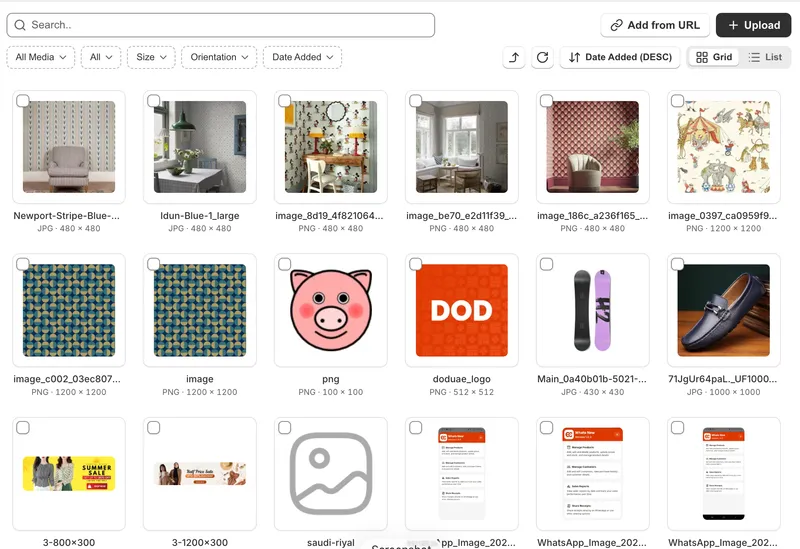
Select multiple images in one go
Open the Media Manager from a product and simply tick every image you want — then hit Done. They're all added to your gallery instantly, in the order you picked them.
No more opening the picker, choosing one image, and starting over. Building a full product gallery now takes seconds instead of minutes.
You can tick up to 25 images at a time, and your picks stay selected while you search, filter and scroll. A live counter shows exactly how many you've chosen, and you can preview any image before you commit without losing your selection.
4× more media per product
We've raised the product media limit from 25 to 100. Show every angle, every colourway, every detail — without running out of room.
Your gallery keeps everything you already love: drag to reorder, one-click remove, and videos supported on the plans that include them.


