
Duplicate Collection: Clone a Full Collection in One Click
Duplicate any collection to create a complete copy, with every field carried over, so you can build similar collections without rebuilding them.
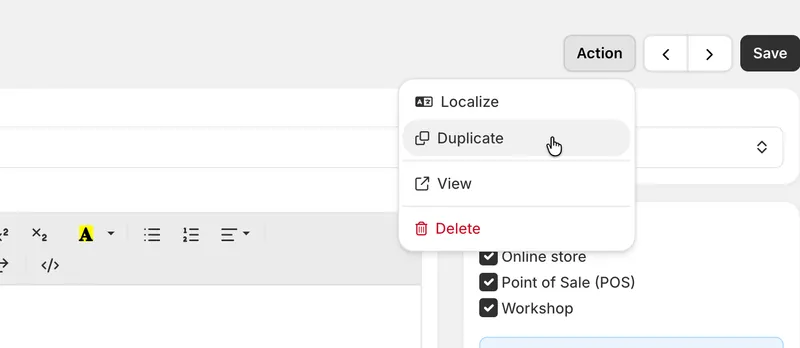
Duplicate Collection
You can now duplicate any collection from Catalog > Collections. Open a collection, choose Duplicate, and the system creates a complete copy of the record in a single step, ready for you to adjust and save under a new name.
What gets copied
Duplication carries over the full collection record, including its description and content, images, SEO fields, and settings. The copy mirrors the original exactly, so nothing is left half-configured and no setup step is silently skipped.
A safe starting point
The duplicate is created as a separate collection with its own identity, so editing or deleting it never touches the original. You stay free to refine the new collection, swap its image, or rewrite its details, with the source collection untouched and exactly as it was.


