
Customer Tags: Label and Segment Your Customers
Add tags to any customer to capture what kind of customer they are and keep that context on their record.
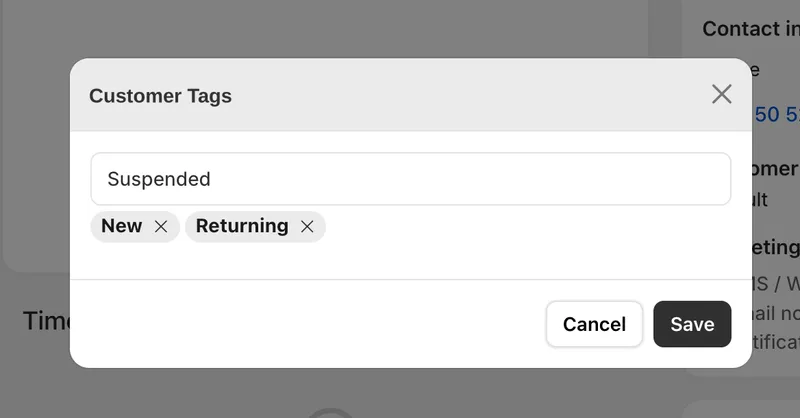
Customer tags
You can now add tags to a customer from Customers > Customers. Open a customer and apply tags to capture what kind of customer they are, so the context lives on their record instead of in someone's head.
Tags let you describe customers in your own terms, whether that is a wholesale buyer, a repeat client, a VIP, or anything else that matters to how you serve them. With that label in place, anyone on your team can open a customer and immediately understand who they are dealing with and how to treat the relationship.


