
Remove translated content for any language
Clear a translation you no longer want, and your default content takes over.
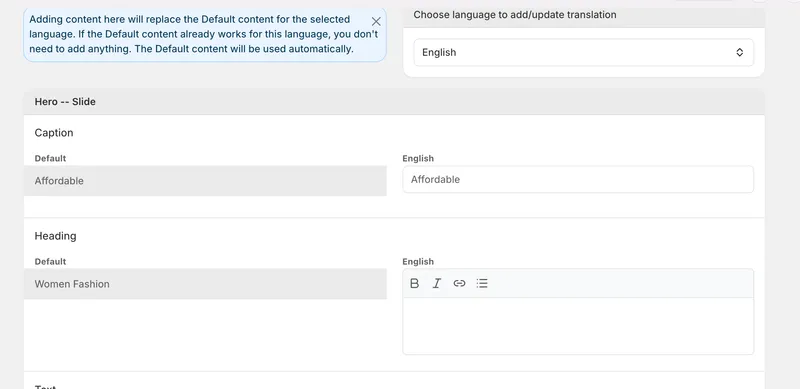
Remove a translation whenever you need to
You can now remove the translated content for any language you've set up. Before, once something was translated there was no way to clear it — now you can, giving you fuller control over your localized content.
Your default content takes over
When you remove a translation for a language, that content simply falls back to your default content, so nothing is left blank. It's an easy way to undo a translation or start it fresh without affecting the rest of your store.


