
Print barcodes straight from Manage Inventory
A new barcode button on the inventory screen lets you print product barcodes on the spot.
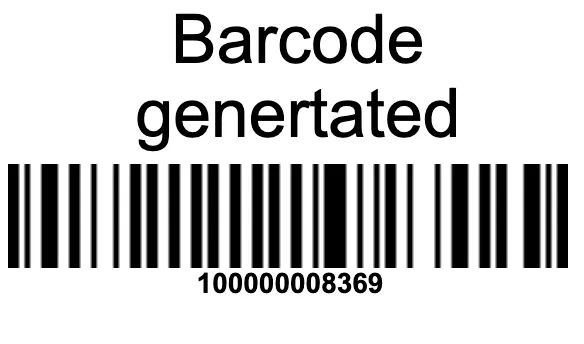
Print barcodes from Manage Inventory
The Manage Inventory screen in your WMS now has a barcode button, letting you print a product's barcode directly from the inventory list. There's no need to jump to another screen or tool — find the item, hit the button, and print.
Faster labeling on the warehouse floor
Printing barcodes where you already manage stock keeps receiving, shelving, and relabeling moving, so your team can tag products as they go instead of switching between screens.


